The three-file blog
Why this site's CMS is a folder on disk: one Markdown file, one JSON file, and whatever images you dropped next to them. No database, no admin panel, no lock-in — and the whole pipeline is under two hundred lines.
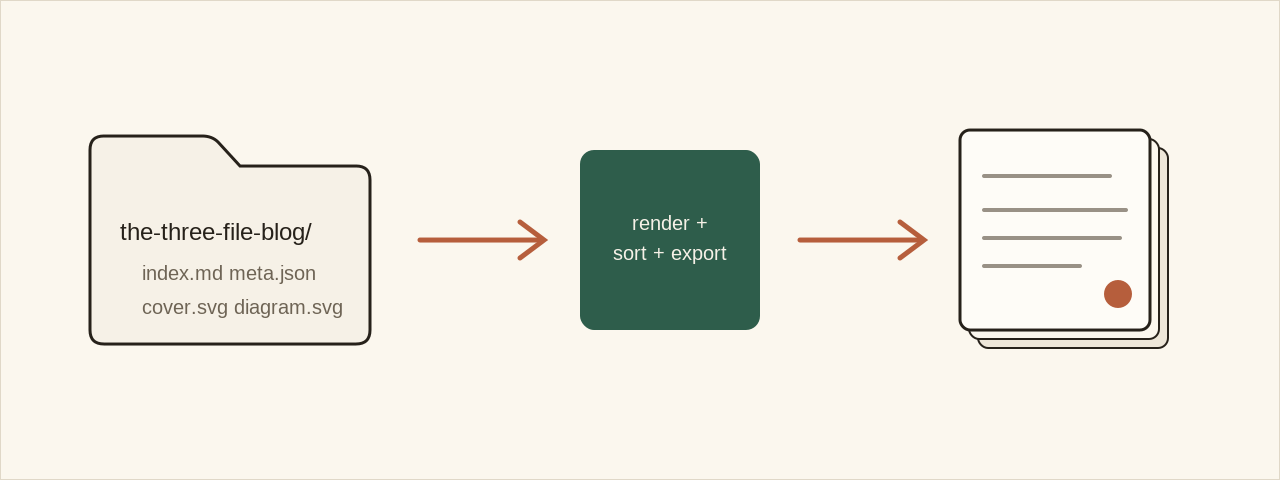
Every post on this site is a folder. Inside the folder there are, at minimum, two files: index.md with the writing, and meta.json with everything a post needs to be listed somewhere — title, description, date, tags. Anything else you drop in the folder, like a cover image or a diagram, is copied next to the published post and can be referenced with a relative path.
content/posts/the-three-file-blog/
├── index.md ← the article
├── meta.json ← title, description, date, tags
├── cover.svg ← referenced as "./cover.svg" in meta
└── diagram.svg ← referenced as  in the body
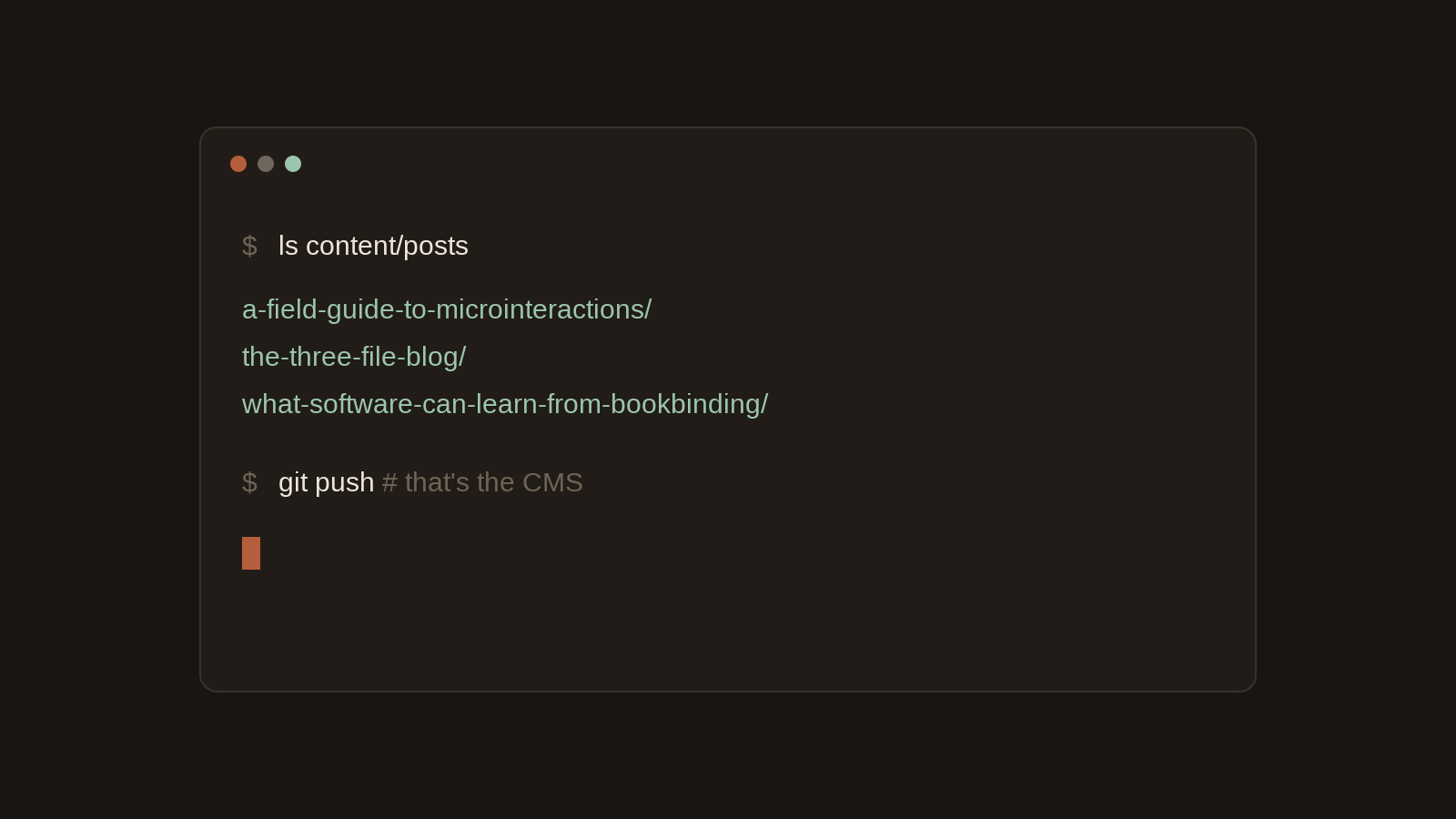
That's the whole CMS. There is no admin panel, no database, no API key, no export step. Writing a post means making a folder; publishing means git push; editing means opening a file. When I want to see what I've written, ls content/posts is a perfectly good overview page.
Why not a real CMS
I've run the alternatives. A headless CMS means a second service to keep alive, an API token to rotate, a schema to migrate, and a preview environment that breaks on the framework's next major version. A database-backed blog means the content outlives the site only if you remember to dump it. Markdown folders mean the content is the source of truth — versioned, diffable, greppable, portable to any future site generator with a shell script.
The tradeoff is real: no drafts-by-URL, no editorial workflow, no media library with search. For a single author who lives in an editor anyway, those were features I'd have to maintain and never use.
The hundred lines that make it a website
The build side is deliberately boring. At build time a loader walks content/, parses each meta.json, renders the Markdown to HTML (GFM, syntax highlighting, heading anchors, images wrapped in figures with captions from their alt text), and sorts by date. generateStaticParams turns every folder into a route, and the export is plain HTML — the same content, whether you read it in a browser, in curl, or in a reader app through the RSS feed.
One small script does the only impure thing: copying each post's stray assets into public/media/posts/<slug>/ so relative image paths resolve to real URLs. It runs before dev and before build, and it deletes output for folders that no longer exist, so nothing rots.
The metadata file is the one opinionated choice. Frontmatter inside the Markdown would have saved a file, but splitting meta from body means the body is a valid, portable Markdown document on its own — I can paste index.md into a newsletter, a README, or a gist without stripping YAML first. It also means tooling can read a post's metadata without parsing Markdown at all.
What you get for free
- Time travel. Every version of every post is a
git logaway. Rewrites are diffs; retracted claims are visible; accidental deletions are onegit checkoutfrom returning. - Portability. The content has no runtime dependencies. The site can be rebuilt with a different framework in an afternoon because the posts were never coupled to this one.
- Speed. Static HTML with no client-side fetching. The whole site is a folder of files a CDN can serve, and Lighthouse has nothing to complain about.
- Ownership. No vendor can sunset my archive. The failure mode of a folder of text files is that they keep working.
What it costs
Honest accounting: I hand-wrote the rendering pipeline (with unified doing the heavy lifting), so features a CMS gives you — scheduled posts, related-content queries, image resizing — are things I build myself or do without. Image resizing, for instance, currently doesn't exist; I size images before dropping them in. So far every missing feature has been one I didn't miss.
The deepest cost is that there's no writing surface away from the terminal. For me that's neutral — the editor is where the writing happens anyway. For a co-author, it would be a dealbreaker, and a database with a login would earn its keep.
The test
I evaluate tools like this with one question: if this project were abandoned tomorrow, what happens to my writing? For a SaaS CMS the answer is "an export, if they built one." For this, the answer is "nothing — the files are already right here."
Three files per post, two hundred lines of pipeline, zero things to keep alive. The writing is the durable part; everything around it should be as thin as possible.